Building Design Systems That Scale
At Motorola Solutions I walked into a codebase with hundreds of internal projects. Every team followed the brand book — in theory. In practice, it was chaos. Buttons looked different everywhere. Navigation behaved differently in every app. Everyone thought they were on-brand. Nobody actually was.
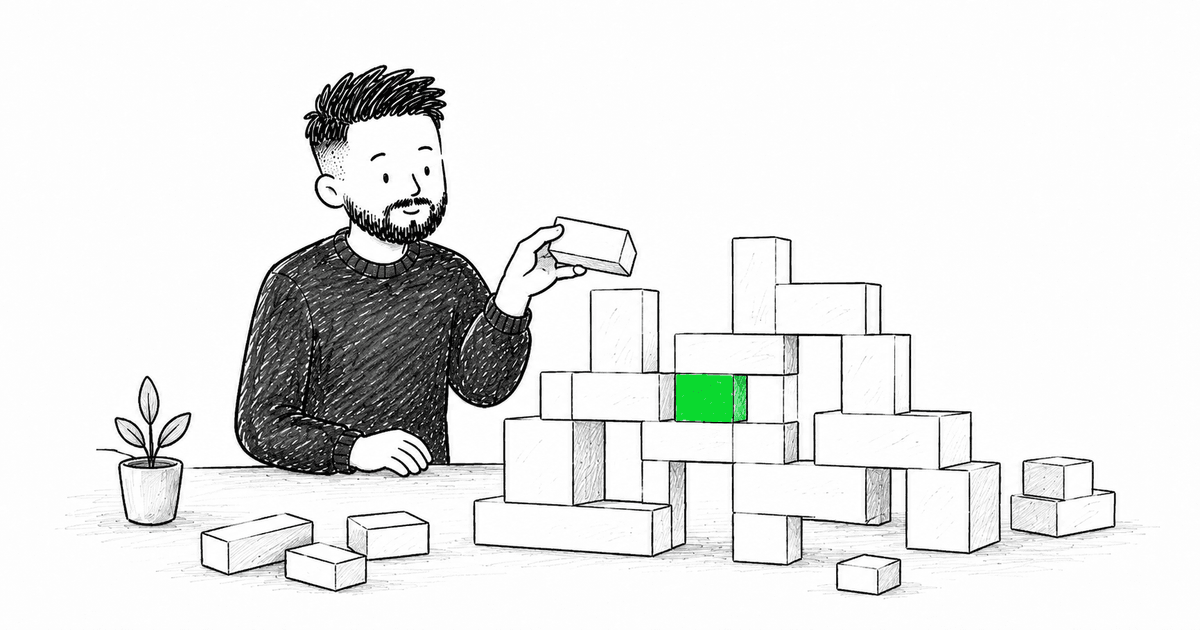
They asked me to help build a unified design system. Nine months of work, tight collaboration between designers and developers. The result: a component library that snapped together like Lego. You didn't think about padding, font sizes, spacing — everything just worked out of the box. We shipped variants for React and Angular simultaneously. The designers had specced the components so precisely that they composed into each other without friction.
Then came adoption. Migration was painful. Versioning became its own nightmare — but I'll get to that.
Building a design system is the easy part. Getting teams to actually use it is where most fail.
The Problem
I've watched multiple design system efforts die. Not because the components were poorly designed, but because they didn't solve the right problems at the right time. Teams would build beautiful libraries, document everything meticulously, and then watch as nobody used them.
Start with Real Problems
The best design systems I've built started with actual pain points:
- Inconsistent UI patterns across features
- Slow feature development due to rebuilding common components
- Accessibility gaps that were hard to track
- Design-dev handoff friction that slowed everything down
Key Principles
1. Component API Design Matters
Your components should be easy to use correctly and hard to use incorrectly.
// Bad: Too many props, unclear usage
<Button
  variant="primary"
  size="md"
  loading={false}
  disabled={false}
  onClick={handleClick}
/>

// Good: Clear defaults, composable
<Button onClick={handleClick}>
  Click me
</Button>

<Button variant="secondary" loading>
  Loading...
</Button>
2. Documentation is Your Product
Nobody reads long documentation. Make it:
- Visual - Show examples first
- Interactive - Let people play with props
- Searchable - Find what you need fast
- Practical - Real use cases, not toy examples
I use Storybook for this. Every component gets:
- Multiple usage examples
- Props documentation
- Accessibility notes
- Do's and don'ts
3. Build for Adoption
The best design system is the one people use. Focus on:
Developer Experience:
- TypeScript support out of the box
- Clear error messages
- Intuitive prop names
- Good defaults
Performance:
- Tree-shakeable exports
- Lazy loading for heavy components
- Optimized bundle size
Flexibility:
- Composable components
- Escape hatches when needed
- Theme customization
The Tech Stack
Here's what I typically use:
- React + TypeScript - Type safety is non-negotiable
- Tailwind CSS - Utility-first scaling, easy theming
- Radix UI - Accessible primitives
- Storybook - Component documentation
- Turborepo - Monorepo management
- Changesets - Version management
Common Pitfalls
Over-engineering Early
Don't build 50 components on day one. Start with:
- Buttons
- Inputs
- Layout primitives
- Typography system
Add more as real needs emerge.
Ignoring Migration Path
At Motorola Solutions, migration was the hardest part. Hundreds of projects, each with their own component variations. We couldn't flip a switch. Some teams adopted early, others dragged their feet for months. Eventually every project had the same interface, the same navigation, the same look — and honestly, that felt great. But then versioning caught up with us: some teams locked to an early version and never updated. When they finally did — months later — things broke because the API had evolved. We spent weeks helping teams catch up. If I could redo one thing, it would be investing more in automated migration tooling from day one.
If you're replacing an old system, make migration gradual:
- Support both old and new side-by-side
- Provide codemods where possible
- Document migration guides
- Track adoption metrics
Skipping Accessibility
Build it in from day one. Every component should:
- Work with keyboard navigation
- Have proper ARIA labels
- Support screen readers
- Handle focus management
Measuring Success
Track these metrics:
- Adoption rate - % of features using the system
- Component coverage - % of UI built with system components
- Development velocity - Time to build new features
- Consistency score - How many UI patterns exist
Conclusion
After the Motorola Solutions project, I started seeing design systems differently. The system itself isn't the product — adoption is the product. The best component library in the world is worthless if teams work around it instead of using it. Ours was far from perfect, but it worked because designers and developers built it together, and because the components were genuinely easier to use than rolling your own.
Start small. Iterate based on real feedback from real teams. And always prioritize the developer experience — because if it's easier to build from scratch than to use your system, that's exactly what people will do.
Have questions about building design systems? Reach out — I've been through this and happy to share more.
More than a blog post
I share frontend news and the reasoning behind it throughout the day. Pick the language that feels natural to you.