Authentication in React: Buy It, and Where the Line Really Is
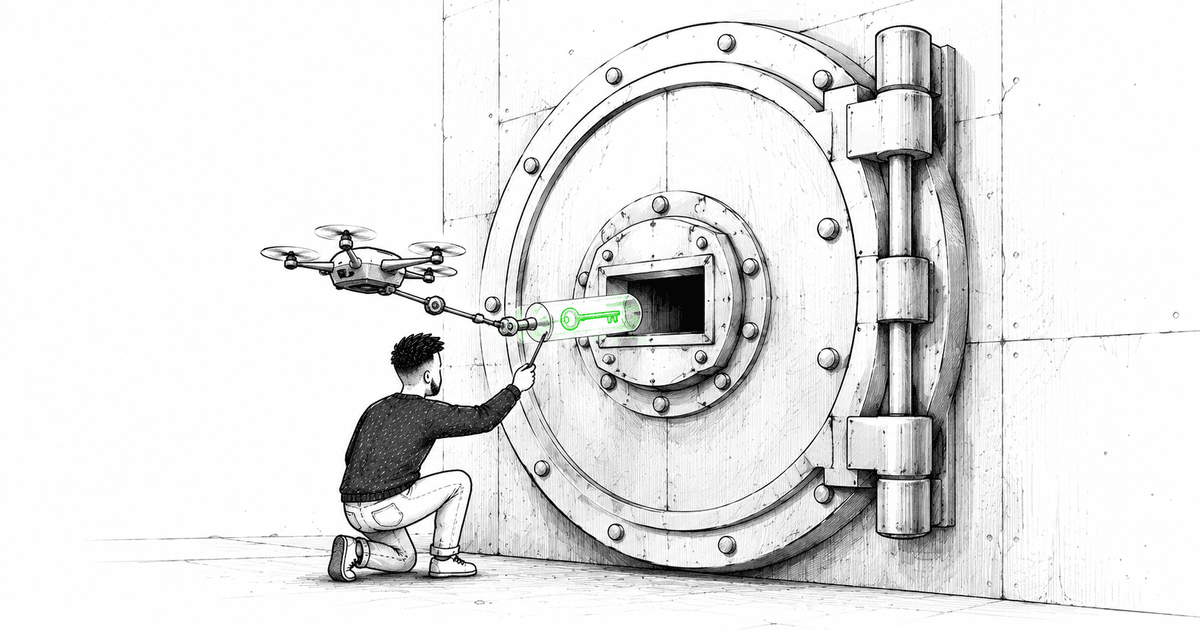
Authentication always starts as a login form. Two fields and a button. You could build that in an afternoon, and that afternoon is exactly the trap.
Because the form isn't the work. The work is everything the form implies. Where does the token live once the server hands it back? How does every subsequent request prove who you are? What happens when the token expires halfway through a multi-step action the user has been filling out for ten minutes? Who decides that this route is off-limits to this person, and where does that decision live so it can't be bypassed? None of that is visible in the login form, and all of it is auth.
So this article isn't about building a login screen. It's about the decision underneath it — buy versus build — and about the parts that stay your responsibility no matter which way you go. Because there's a security floor here that a nice-looking form quietly hides, and getting it wrong doesn't throw an error. It just leaves a door open.
The Honest Default: Don't Build It
I'll put my conclusion first, because I hold it strongly: for almost every application, you should not roll your own authentication.
This is not the usual "don't reinvent the wheel" reflex. Auth is a category where the cost of a subtle mistake is not a bug — it's a breach. Password hashing done slightly wrong. A token stored somewhere a script can read it. A session that doesn't actually invalidate on logout. A password-reset flow with a timing leak. These aren't exotic; they're the standard ways homegrown auth fails, and you usually find out about them from someone you'd rather not hear from.
Providers like Auth0, Clerk, and Supabase Auth — and the framework-native options like NextAuth/Auth.js — exist because a lot of very focused people have already made those mistakes so you don't have to. They handle the hashing, the token lifecycle, the reset flows, the MFA, the OAuth dance with Google and GitHub. Buying that isn't laziness. It's routing your effort to where your product is actually different, which is almost never "we hash passwords in a special way."
So my real advice is narrow: use a provider, and spend your energy integrating it correctly — because the integration is where the interesting decisions still live, and where you can still get it wrong.
Where Tokens Live Is the Whole Game
Here's the decision that matters most on the client, and the one people get wrong most often: once you're authenticated, where does the credential live in the browser?
The tempting answer is localStorage. It's easy, it persists across tabs and reloads, and the token is right there when you need it.
It's also readable by any JavaScript running on your page. That's the problem. If an attacker gets a script onto your site — a compromised dependency, a bad ad, an XSS hole — localStorage hands them the token directly. This is the single most common serious mistake I see in hand-rolled React auth, and it looks completely fine until the day it isn't.
The safer model is an httpOnly cookie: the server sets it, the browser sends it automatically, and JavaScript literally cannot read it. That removes the entire class of "a script stole the token" attacks. The trade-off you take on in return is CSRF — because the cookie is sent automatically, you now need CSRF protection — but that's a well-understood problem with standard defenses, and it's a better problem to own than token theft.
// The shape of the good answer, conceptually:
// - server sets an httpOnly, Secure, SameSite cookie on login
// - the browser attaches it to every request automatically
// - the React app never sees, stores, or touches the raw token
// - CSRF protection guards the state-changing requests
Notice what this does to your React code: the app stops managing tokens at all. It doesn't read them, store them, or attach them to requests. That's the goal. The less your frontend knows about the raw credential, the fewer ways it can leak one. A good provider integration leans exactly this way — and this is precisely the kind of thing you get for free by buying instead of building.
Auth State Is Just State — Treat It That Way
On the client, "am I logged in, and who am I?" is a piece of state like any other. The mistake is treating it as special and inventing a bespoke system for it, when the tools this series has already chosen handle it cleanly.
The current user is server state — it lives on the server, you fetch it, it can go stale. That makes it a TanStack Query concern, not a hand-built context with manual loading flags.
function useCurrentUser() {
  return useQuery({
    queryKey: ['currentUser'],
    queryFn: fetchCurrentUser,
    staleTime: 5 * 60 * 1000,
    retry: false,
  });
}
Now the whole app has one honest source of truth for identity. Logging out is a cache invalidation. A 401 from any request can trigger a refetch that flips the user to logged-out everywhere at once. You didn't build an auth state machine — you reused the data layer you already have, and it behaves consistently because it's the same machinery as the rest of your data. That consistency is the point I keep coming back to in this series: identity isn't a special island, it's server state, so it uses the server-state tool.
Guarding Routes: A Convenience, Not a Wall
This is the part where a dangerous misconception hides, so I want to be blunt about it.
Protecting a route on the client — redirecting away from /dashboard when there's no user — is a UX feature, not a security control. With TanStack Router you can gate a route in its beforeLoad, and you should, because showing a logged-out person a broken dashboard is bad UX.
export const Route = createFileRoute('/dashboard')({
  beforeLoad: ({ context }) => {
    if (!context.auth.user) {
      throw redirect({ to: '/login' });
    }
  },
});
But understand exactly what that does and does not do. It stops a browser from showing a page. It does nothing to stop a request from reaching your data. Anyone can open dev tools, read your bundle, and call your API directly — the client-side guard is irrelevant to them.
Client-side route guards decide what the UI shows. The server decides what the user can actually access. Only one of those is security.
The real protection lives on the server: every endpoint validates the session and authorizes the specific action, every time, as if the client did not exist. The React route guard makes the app pleasant for honest users. The server check makes it safe from everyone else. If you only build one, build the server one — an app with server checks and no client guard is merely awkward; an app with client guards and no server checks is wide open.
The Part No Provider Handles: The Expiry Moment
Buy the provider, store the token safely, guard your routes and your server — and there's still one moment that stays yours, because it's a UX problem, not a security one: the session dies while the user is in the middle of something.
Tokens expire. The user was filling out a long form (the exact painful form from the forms article), stepped away for coffee, came back, hit save — and the request comes back 401. What now?
This is where thoughtful apps separate from careless ones, and no library decides it for you. The naive answer is to hard-redirect to login and throw away everything they typed, which is how you make a user hate your product. The considered answer is a layer that catches the 401, attempts a silent token refresh if the provider supports it, retries the original request, and only if that genuinely fails preserves their work and prompts a re-login without discarding the form.
// Conceptual interceptor, not a full implementation:
// 1. request returns 401
// 2. attempt a silent refresh (if the provider offers refresh tokens)
// 3. on success -> retry the original request, user notices nothing
// 4. on failure -> keep their unsaved work, prompt a gentle re-login
The provider hands you the refresh capability. What you do with it — how gracefully you handle the moment a session dies under a user's hands — is product design, and it's entirely yours. This is the through-line of the whole article: buying auth doesn't remove your judgment, it relocates it. You stop deciding how to hash a password and start deciding how it feels when a session expires. The second decision is the one your users actually experience.
Where the Line Really Is
So the buy-versus-build question has a cleaner answer than it looks:
- Hashing, token issuance, OAuth, MFA, password resets → buy. This is the security floor, and the cost of building it wrong is a breach, not a bug.
- Where the token lives in the browser → yours, and httpOnly cookies over
localStorageis close to non-negotiable. - Auth state in the app → not special; it's server state, so it's a TanStack Query concern.
- Route guarding → client-side for UX, server-side for security, and never confuse the two.
- The expiry-mid-action moment → yours, and it's the difference between an app people trust and one they resent.
I buy authentication, and I'd tell you to as well — not because integrating it is trivial, but because buying it moves the hard part to where it belongs. The interesting work was never the login form. It's the token storage, the guard boundary, the graceful death of a session. That's the part that shapes the architecture, and that's the part that's still yours after you've paid someone else for the rest.
The next article follows this thread straight down: what a React developer actually needs to know about the backend — REST versus tRPC versus a BFF — because how you talk to your server decides more about your frontend than most of us admit.
If you've had a session expire under a user in a way that cost them real work — or if you're running localStorage tokens right now and want to talk through moving off them — reach out. That migration is one of the higher-leverage things you can do for an app's security, and I'm happy to compare notes.
More than a blog post
I share frontend news and the reasoning behind it throughout the day. Pick the language that feels natural to you.